从移动设备分享精美的 Google+ 帖子的终极方式!
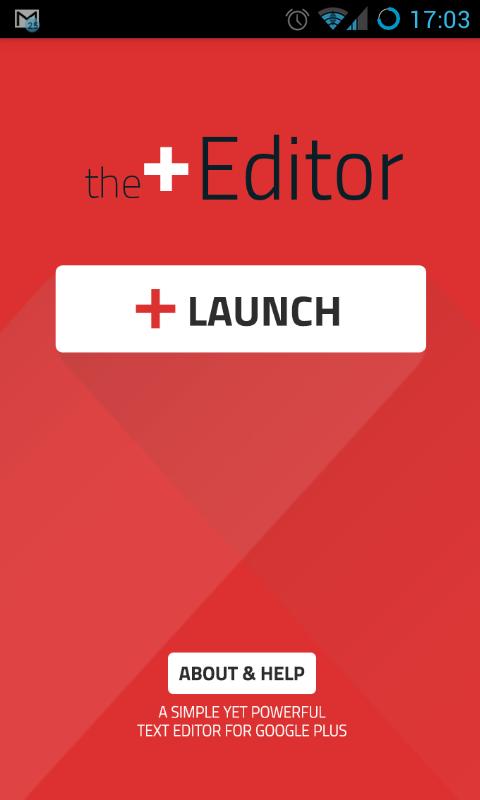
The Plus Editor提供了从移动设备分享精美 Google+ 帖子的终极方式。
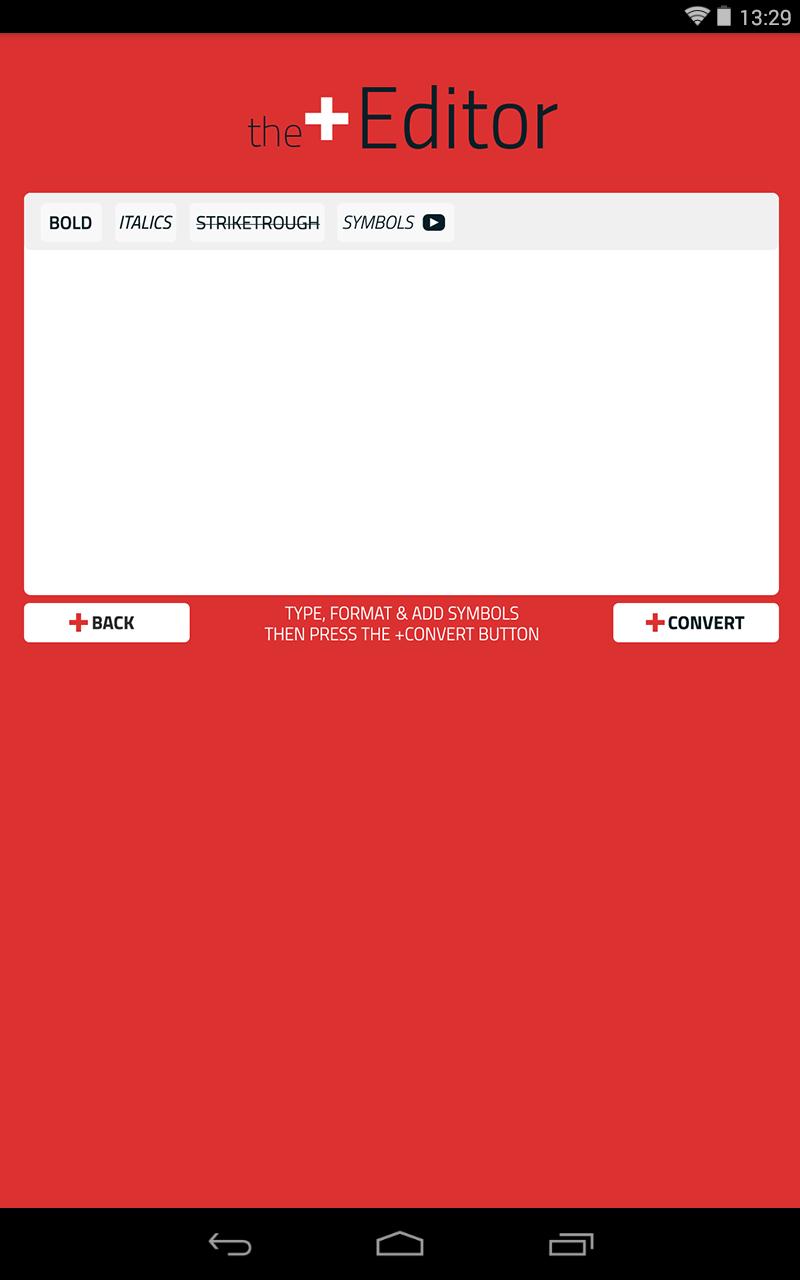
添加粗体、斜体、删除线和独特的符号!
3 个简单步骤:
1. 输入文本,添加格式和符号。
2. 点击转换按钮。
3.复制文字或直接分享帖子到Google Plus!
历史及关于
The Plus Editor最初是作为 Google+ 的在线帖子编辑器 (http://thepluseditor.com) 推出的。该应用程序将您喜欢的网络版本的所有内容直接带到您的手机或平板电脑上!
Plus 编辑器由动态图形和动画领域的全职自由职业者 Daniel Futerman 推出。我为世界各地的公司和品牌制作讲解和宣传视频 (http://danielfuterman.com)。
除了我的“现实生活”工作之外,我对 Google (http://bitly.com/21GoogleTips) 及其所做的一切都非常热情!由于 Google+ 是我最喜欢的社交媒体网络,因此我想通过创建一个小而有用的工具来轻松地设计 Google Plus 帖子的样式,从而为社区提供帮助。
如果您喜欢 Plus Editor 应用程序,请评价它并与您的朋友分享!享受! :)
在 Google+ 上关注:
https://plus.google.com/+danielFuterman
https://plus.google.com/+ThePlusEditor
© 2014 The Plus 编辑,保留所有权利。 The Plus Editor与 Google, Inc. 没有任何隶属关系。Google+ 是 Google, Inc. 的注册商标。
阅读更多信息